
Timeline
| Date | What happened |
|---|---|
| 4 Nov 2026 | Roblox’s engine team announces that on 11 November the PlayerCharacterDestroyBehavior setting’s Default will behave like Enabled. |
| 11 Nov 2026 | The change ships. A developer reports that from server version 747 their game’s corpses and ragdolls “instantly disappear” with a console error. |
| 11 Nov 2026 | Replies on that report point back to the announcement; one says a fix is coming on Roblox’s side and that switching the setting to Disabled is the quicker workaround. |
| End of Feb 2027 (planned) | Phase 3: the opt-out goes away and the property is removed, so every game gets the new behaviour. |
What actually changed
Per the announcement, the server now calls Destroy on a Character model right after the game’s CharacterRemoving handlers run, and on a Player five seconds after PlayerRemoving handlers run. Roblox’s reason is memory: old characters that were never cleaned up were a common cause of server memory leaks. About 16% of games had already opted in, and Roblox’s Studio templates ship with it on.
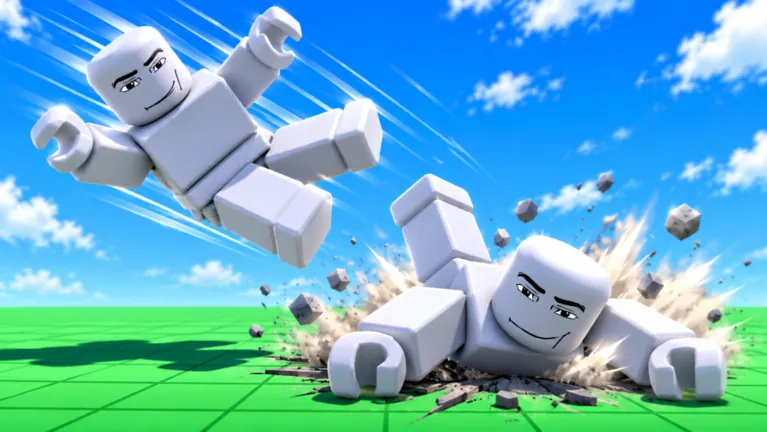
The catch for ragdoll games: many kept the dead character itself as the corpse — they ragdolled it, then moved it into a folder in the world after a short wait. After 11 November that character is destroyed before the wait finishes, so the corpse never appears.
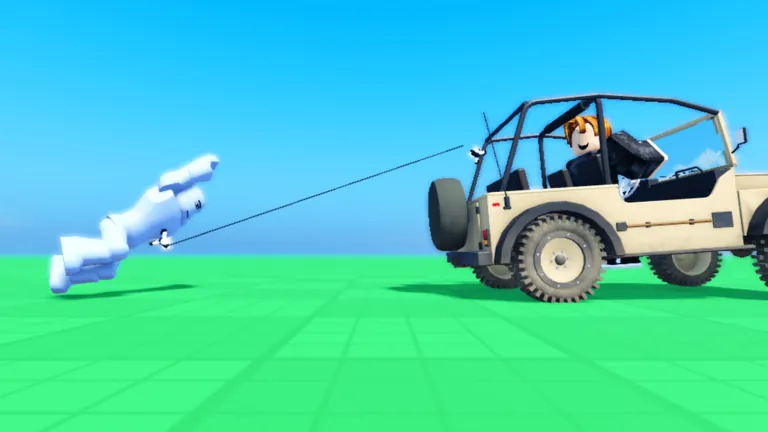
Why your ragdolls disappear: a checklist
- Did the game update after 11 November? Games patched since then usually work again.
- Do bodies vanish at the moment of respawn? That points to this change rather than a lag spike.
- Do they vanish when a player leaves? Same cause, with the five-second Player window.
- Rejoin a fresh server. Old servers may run an older engine version than new ones.
- Still broken? Report it to the game’s developer; only they can change how the game stores corpses.
How games fix it
The fix is on the developer side: copy what you need from the character before any wait, and make the corpse from a clone rather than from the character itself. Roblox’s own migration advice is the same — read values first, then yield — and it lists setting the property to Disabled as a temporary measure only. Developers can find a worked example in our ragdoll-on-death guide for Roblox Studio.
Not the same as the older ragdoll bug
A separate DevForum thread from September 2026 discusses classic ragdoll scripts breaking on the client in games that do not use Roblox’s newer avatar-joint upgrade. That is a different problem with a different fix; if your ragdolls behave strangely rather than vanish, it is the more likely cause. The Ragdoll Engine page covers the older history of ragdoll games.
FAQ
Did Roblox add ragdoll death?
No. Characters already break apart on death by default (BreakJointsOnDeath). The 11 November change is about destroying old characters after respawn.
Did Roblox remove ragdolls?
No. Games can still ragdoll characters; they just cannot keep the original character model around after respawn without updating their scripts.
How do I disable ragdoll death in Roblox Studio?
Set Humanoid.BreakJointsOnDeath to false on the humanoid. That is separate from PlayerCharacterDestroyBehavior, which controls cleanup after respawn.
Will Roblox undo the change?
Roblox has said the opt-out ends at the end of February, when the property is removed. A reply on the bug report mentioned a fix on Roblox’s side for that case.
Sources
- DevForum announcement: PlayerCharacterDestroyBehavior will be default on November 11 — checked 20 Nov 2026
- DevForum: “[URGENT] Recent Update breaks ragdolls in my game” — checked 20 Nov 2026
- DevForum: “What did Roblox do to break ragdolls?” — checked 20 Nov 2026
- Roblox Creator Hub: Humanoid class reference — checked 20 Nov 2026
How numbers and codes are collected: methodology.